Pair in seconds
Install the app, type the code it shows into the dashboard, done. Or open the web player on any browser.
Learn more about pair in secondsPOMP turns any TV into smart digital signage. Design your own screens, mix in live weather, calendars and KAMAR, schedule by the hour, and roll out to hundreds of Apple TVs, Android devices and browsers with your MDM.
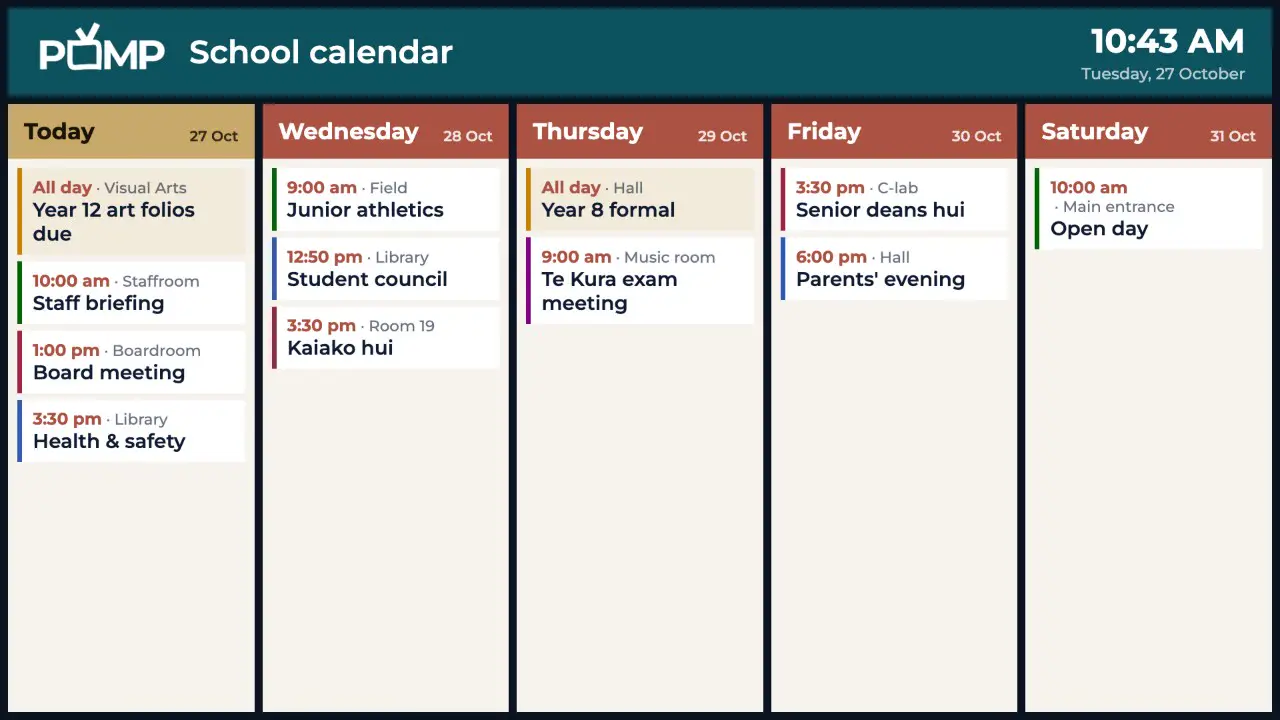
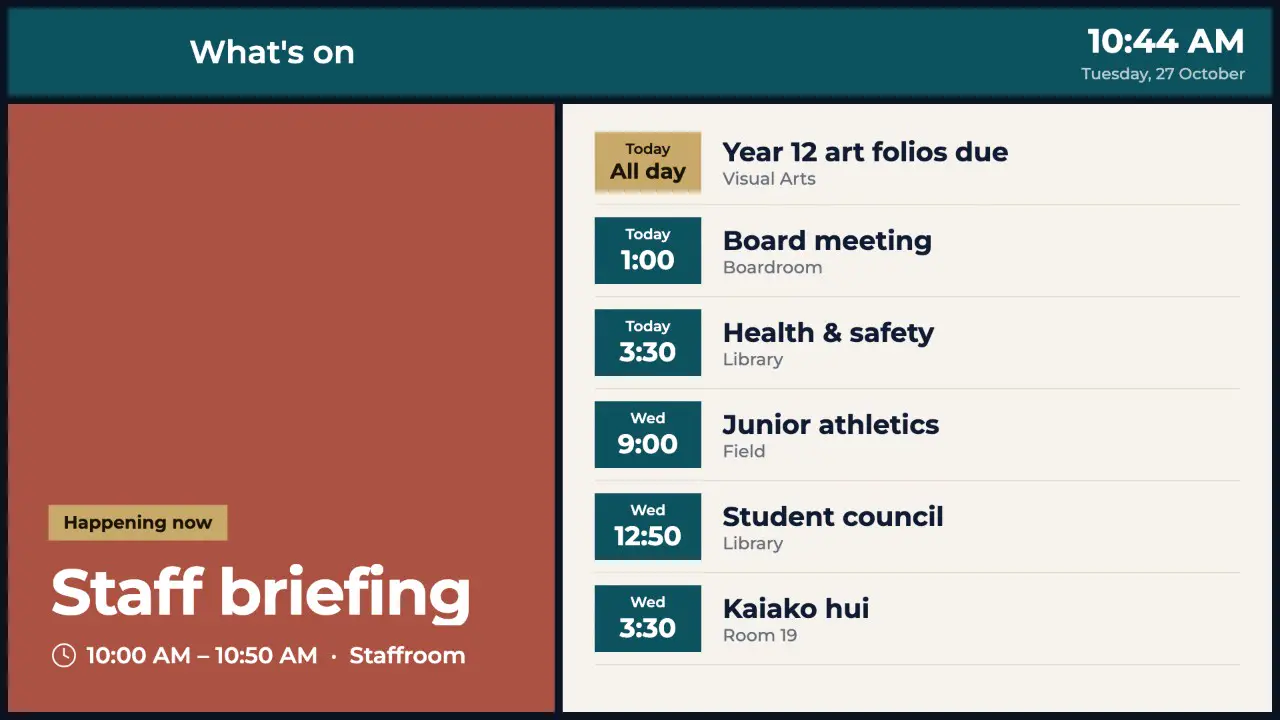
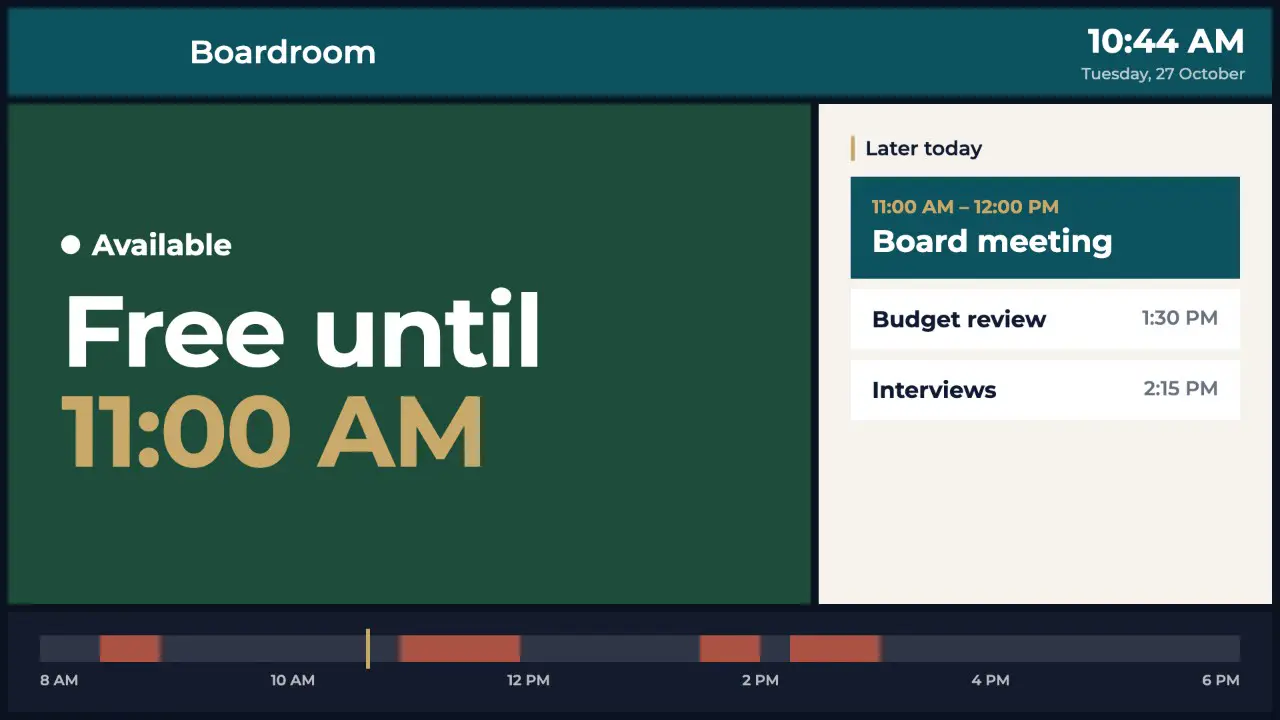
Recorded from the POMP player with sample content. Weather, calendars and notices refresh themselves in the background, so screens stay current without anyone touching them.
No servers, no installers, no IT ticket. If you can set up a streaming app, you can run POMP.
Get POMP from the App Store or Google Play, or open the web player in any browser. The screen shows a pairing code.
Type the code into the dashboard, name the screen and pick a playlist. That's it.
Add images, video, live data and your own designs. Changes reach every screen automatically.
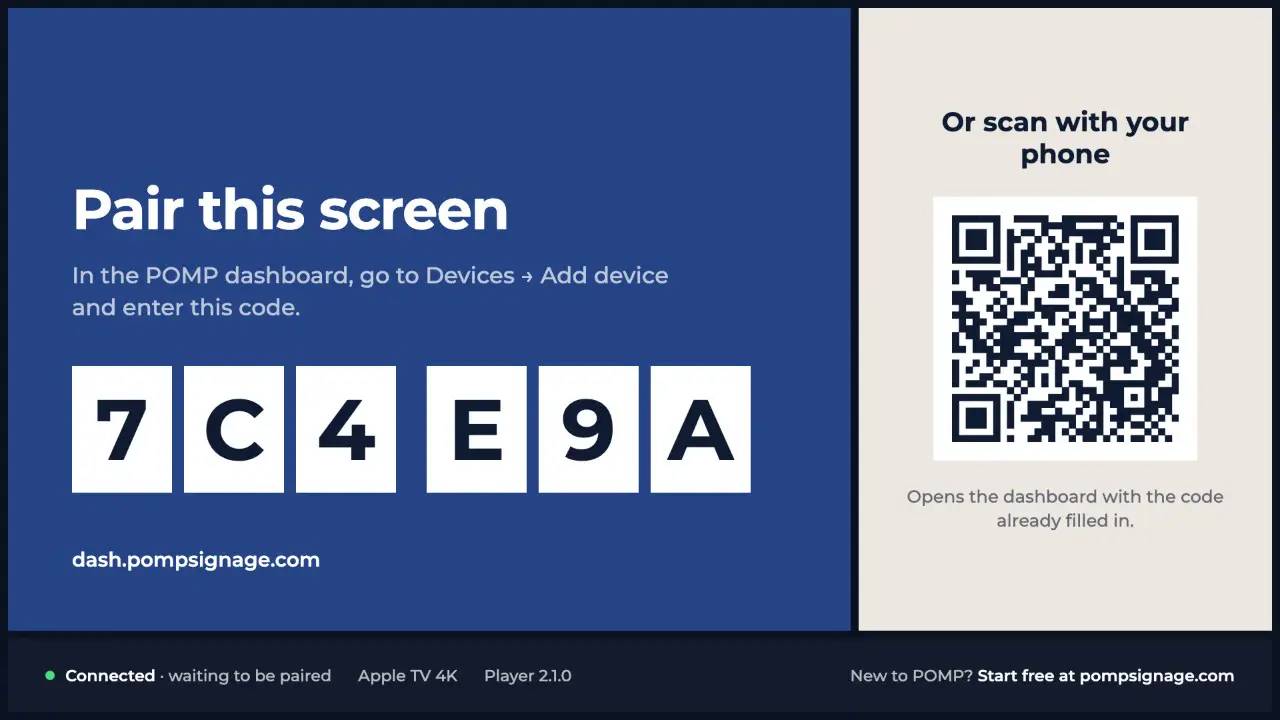
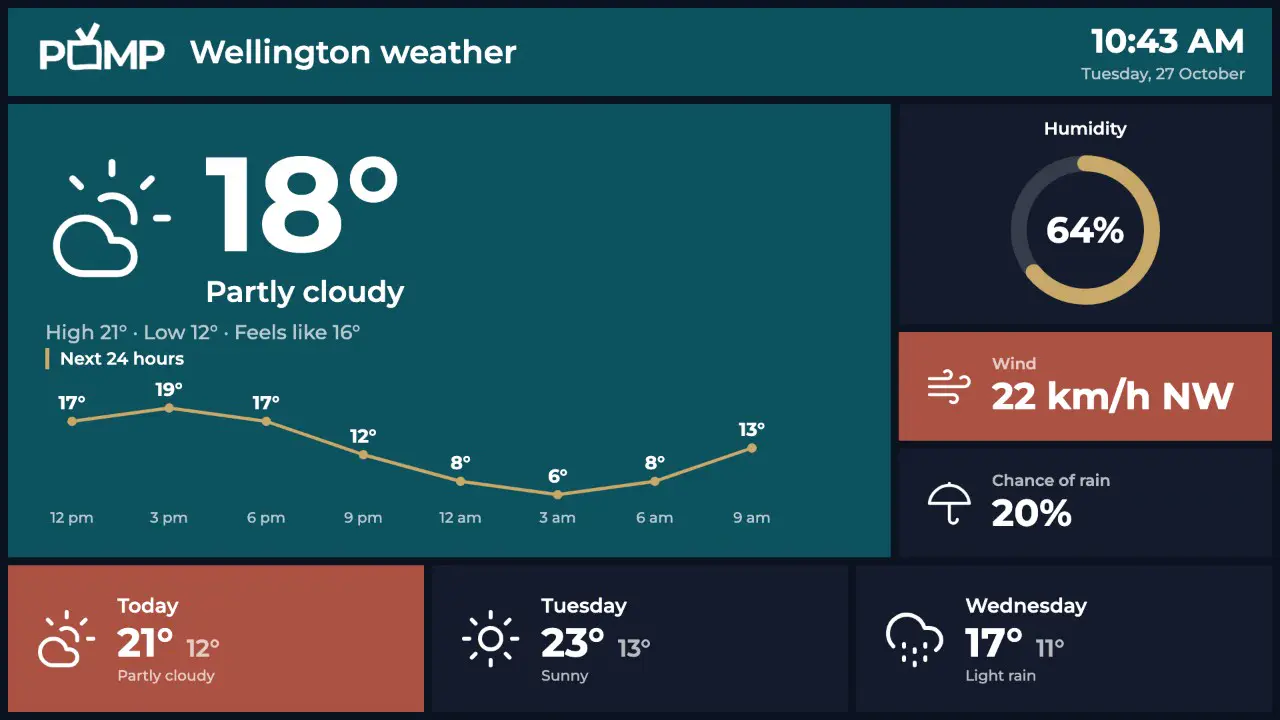
Drag text, images, shapes, a live clock and live weather onto a pixel-perfect 1920×1080 canvas. Prefer code? Every design is plain JSON. Build layouts anywhere and import them in one paste.
Paste JSON into the JSON tab and press Apply. Every screen using the design updates.
{
  "type": "View",
  "style": { "width": "100%", "height": "100%", "backgroundColor": "#0f172a" },
  "contents": [
    {
      "type": "Text",
      "contents": "Welcome",
      "style": { "position": "absolute", "left": 160, "top": 380,
                 "fontSize": 160, "fontWeight": "700", "color": "#ffffff" }
    },
    {
      "type": "Text",
      "contents": "{{currentTime}}",
      "style": { "position": "absolute", "left": 1360, "top": 900,
                 "fontSize": 64, "color": "#cbd5f5" }
    }
  ]
}Mix media with live data. POMP refreshes weather, news, calendars and school notices in the background, so your screens are never out of date.
Push the POMP app with your MDM and include your provision key. Each Apple TV, iPad or Android device enrols itself, takes its name and starts playing the right playlist. No pairing codes, no walking around the building.
From one TV to hundreds across a campus or region.
Install the app, type the code it shows into the dashboard, done. Or open the web player on any browser.
Learn more about pair in secondsPush POMP to a fleet of Apple TVs, iPads or Android devices with Jamf, Intune, Mosyle or any MDM. Screens enrol themselves.
Learn more about mass deployment with mdmTag screens by site, floor or purpose, then assign a playlist to a whole group in one click.
Reload a screen or clear its cache from the dashboard without touching the device.
Get an email when a screen has been offline for 15 minutes, so you can fix it before anyone notices.
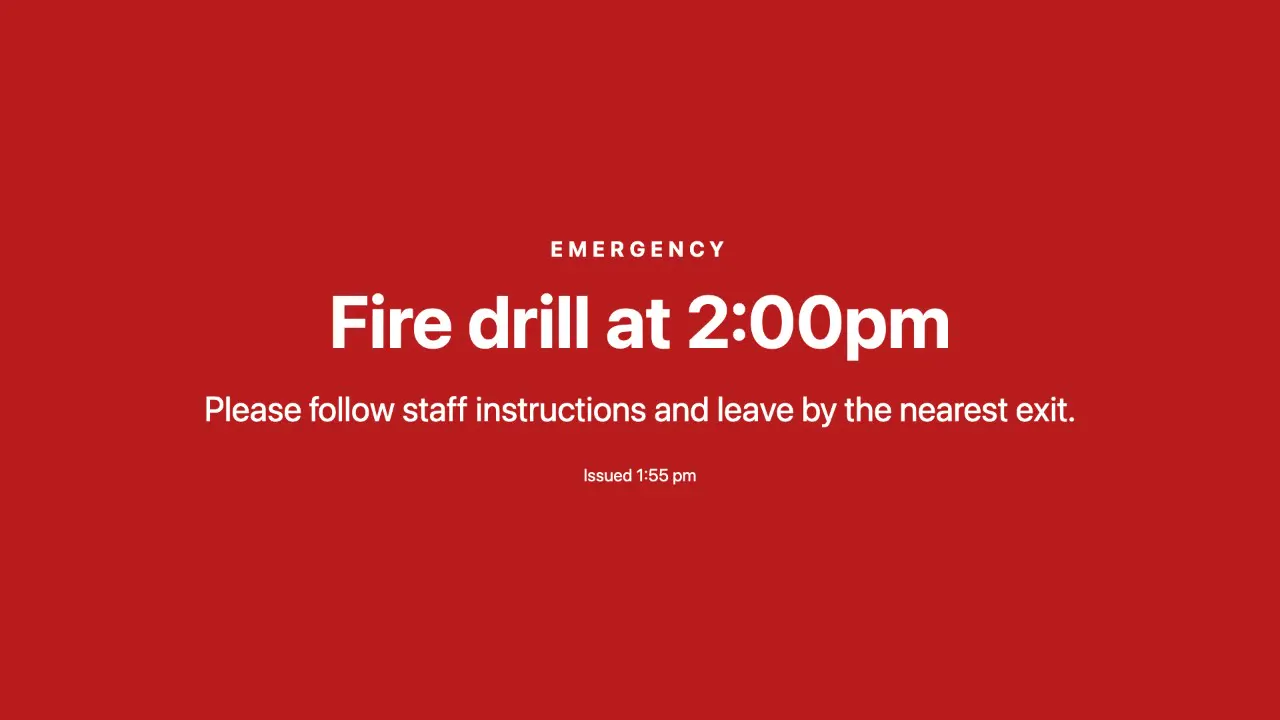
Learn more about offline alertsTake over every screen with an urgent message in seconds, for a set time, then go back to normal automatically.
Media is cached on each device, so screens keep playing through internet outages.
See each screen's status, last check-in, player version, cache size, free disk space and uptime.
Learn more about device healthScan the QR code on a new screen to open the dashboard with its pairing code already filled in.
Not sure which TV is which? Show a full-screen label with its name, model and playlist from the dashboard.
Preview a playlist in the dashboard and pause, skip or jump to any screen to check it.
If a TV crops the edges of the picture, set a margin for that screen so everything fits.
See exactly what a screen is showing right now, from the dashboard, wherever it is.
Learn more about remote screenshotsBlack out screens overnight and at weekends on a schedule. An emergency broadcast still wakes them.
Learn more about sleep scheduleSee what every screen actually played, how often and for how long, and export it as a CSV for sponsors or advertisers.
Learn more about proof of playAsk a screen for its recent logs and device details, then view or download them to sort out problems quickly.
Learn more about remote diagnosticsSpread one picture across a grid of up to 6×6 TVs. Give each TV its position and they play in step.
Learn more about video wallsConnect Claude or ChatGPT to your account, then ask in plain English to update a menu, change a playlist, reload a screen or send a broadcast.
Learn more about ai assistant connectorFrom a single café TV to a whole school campus.
KAMAR notices and calendars, staffroom screens, emergency broadcast across campus.
Learn more about POMP for schoolsMenu boards that change with the time of day, promotions and specials.
Learn more about POMP for hospitalityReception welcomes, meeting room calendars, KPI dashboards and company news.
Learn more about POMP for officesPromotions scheduled by date, product video loops and portrait window displays.
Waiting room information, weather, news and event calendars.
The Free plan includes 1 screen, 25MB of storage and the full designer, forever. Upgrade when you add screens.
Try POMP on one screen, free forever.
$0USD / month
Start freeIncludes
A few screens in one location.
$19USD / month
Try Basic free for 30 daysEverything in Free, plus
Growing teams running several displays.
$49USD / month
Try Pro free for 30 daysEverything in Basic, plus
Schools, campuses and multi-site rollouts.
$99USD / month
Try Advanced free for 30 daysEverything in Pro, plus
Can't find what you need? See the full FAQ or get in touch.
POMP is cloud digital signage software. You manage content in a web dashboard and it plays on Apple TV, Android TV, iPad, Android devices or any web browser.
A screen and one of: an Apple TV, an Android TV box or stick, an iPad, or any device with a modern web browser, including Android tablets. There's no proprietary player box and no on-site server.
A few minutes. Install the app, type the pairing code it shows into the dashboard and pick a playlist.
No. The dashboard is built for office managers, teachers and shop owners.
Yes. The Free plan is free forever with no card required. It includes 1 screen, 1 playlist, 25MB of storage and 3 custom designs.
Paid plans add more screens, playlists and storage, premium integrations (weather, news, calendars, KAMAR, RSS), offline email alerts, and remove the small POMP logo that briefly appears on Free screens.
The Free plan is free forever. No card, no contract, no special hardware.