Android TV and Google TV digital signage.
POMP is a digital signage app for Android TV and Google TV. Install it from Google Play on a TV stick, a streaming box or a smart TV with Google TV built in, pair it with a code, and it plays your playlists full screen.
Why use Android TV for digital signage
Android TV hardware is inexpensive and easy to find, so it's a good way to turn a row of ordinary TVs into managed digital signage. You manage every screen from the same POMP dashboard as your Apple TVs, iPads and browsers.
- Low-cost players: TV sticks, streaming boxes and TVs with Google TV built in
- Install from Google Play, or push the app through your EMM's managed Google Play
- Android Enterprise managed configuration: set the provision key, playlist and device name centrally
- Landscape or portrait, set per screen from the dashboard
- Photos and videos are cached on the device, so playback continues through internet dropouts
- Synced playback, video walls, remote screenshots and sleep schedules
- POMP keeps the display awake while it plays
- Select buttons on a design with the TV remote, or tap them on a touch screen
What you need
- An Android TV or Google TV device running Android 7.0 or later, with Google Play
- Any TV or monitor with an HDMI input, unless the TV has Google TV built in
- Wi-Fi or Ethernet. Wired is the most reliable choice for screens that run all day.
- A free POMP account. The Free plan covers one screen.
How to set up digital signage on an Android TV or Google TV device
- 1Install POMP from Google PlayOn the Android TV or Google TV device, open Google Play, search for POMP Digital Signage and install it. It's free to download.
- 2Pair it with the code on screenThe player shows a short pairing code and a QR code. In the POMP dashboard, open Devices, choose Pair device and type the code, or scan the QR code with your phone.
- 3Name the screen and pick a playlistGive the screen a name, choose a playlist and set landscape or portrait. The screen starts playing within seconds and updates whenever you change the playlist.
- 4Set it to open on start-up (optional)For a screen nobody touches, use your EMM's kiosk or lock task mode, or the device's own start-up setting, so POMP opens on power-up.
Google TV and smart TVs with Google TV built in
Many TVs from brands such as Sony, TCL and Hisense run Google TV or Android TV. Install POMP straight onto the TV from Google Play and you don't need a separate player at all, which keeps the install tidy on a wall.
Chromecast with Google TV and streaming sticks
A Chromecast with Google TV, Google TV Streamer or a similar Android TV stick plugs straight into the TV's HDMI port and runs the POMP app from Google Play. It's one of the cheapest ways to add a managed screen. A plain Chromecast without Google TV can't install apps, so use a model with Google TV.
Nvidia Shield and Android TV boxes
Set-top boxes such as the Nvidia Shield TV, and other certified Android TV boxes with Google Play, run POMP well and are a good choice for video-heavy playlists and video walls. Look for a box that is Google certified, so Google Play is available and the box gets security updates.
Android commercial displays
Commercial displays and all-in-one signage screens built on Android can run POMP when they have Google Play or a managed Google Play store through your EMM. If a display has no app store but does have a built-in browser, open the POMP web player on it instead.
Android Enterprise managed configuration
For larger rollouts, push POMP through managed Google Play with an EMM such as Microsoft Intune, VMware Workspace ONE or Google's own Android management, and set its managed configuration. Each device enrols itself into your account with the right name and playlist, with no pairing codes to type.
POMPProvisionKey: your-provision-key
POMPPlaylistId: optional-playlist-id
POMPNickname: optional-device-name
Popular templates for Android TV
Free on every plan. Change the words, photos and colours, then play them on your screens.
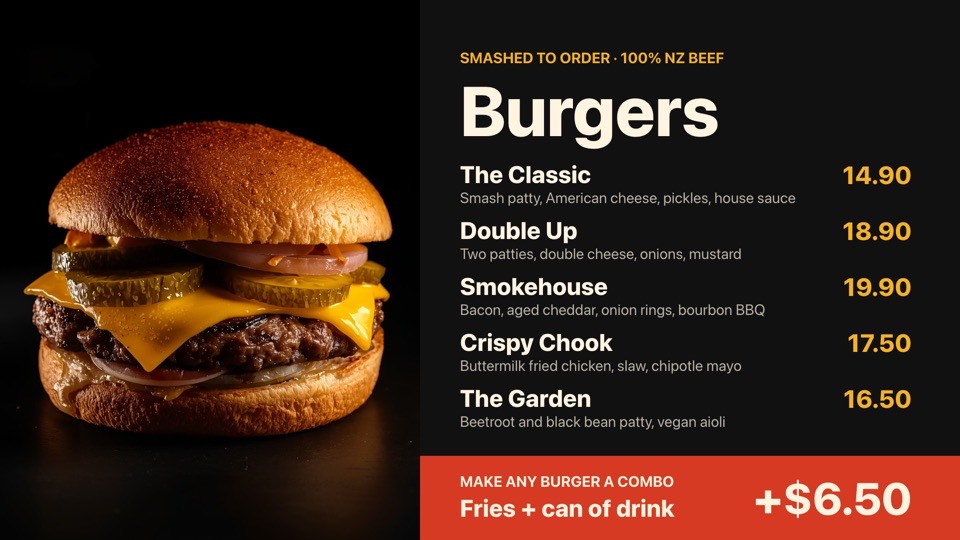 Burger menu boardFive burgers with descriptions, prices and a combo upsellFreeBurgerslandscape
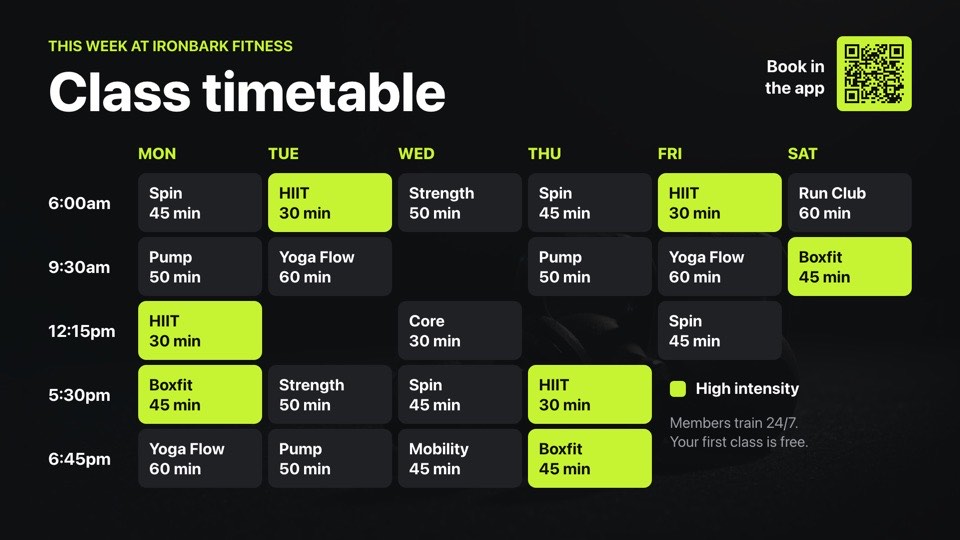 Weekly class timetableSix-day group fitness timetable grid with high-intensity highlightsFreeFitnesslandscape
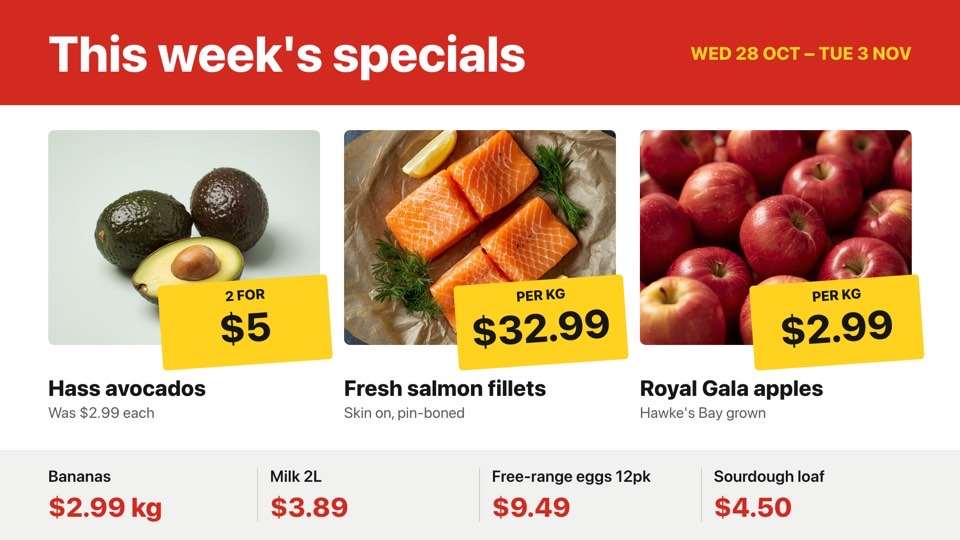 Weekly specialsSupermarket specials with yellow price tickets and photosFreeGrocerylandscape
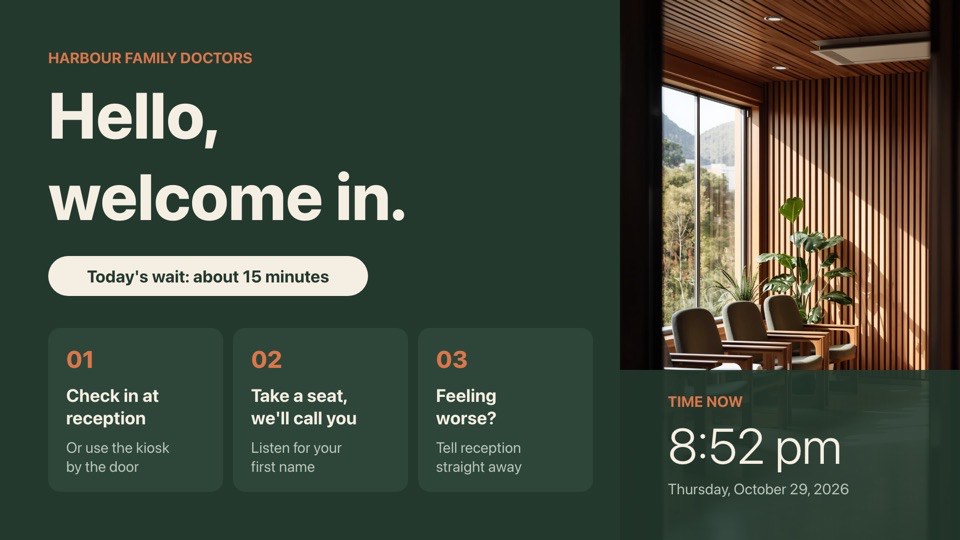 Waiting room welcomeWelcome, check-in steps, today's wait time and a live clockFreeDoctorslandscape
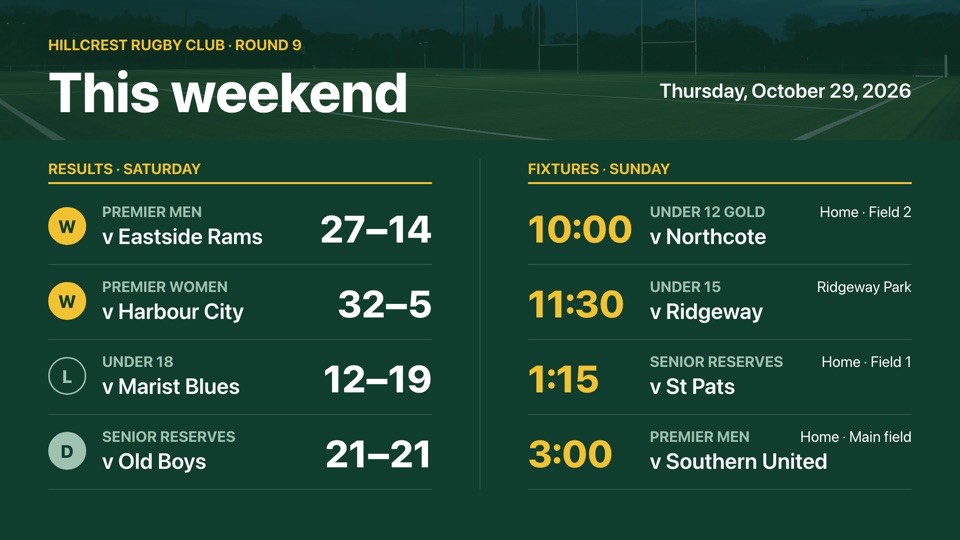 Weekend results and fixturesSaturday's scores with win/loss badges and Sunday's kick-off timesFreeSportlandscape
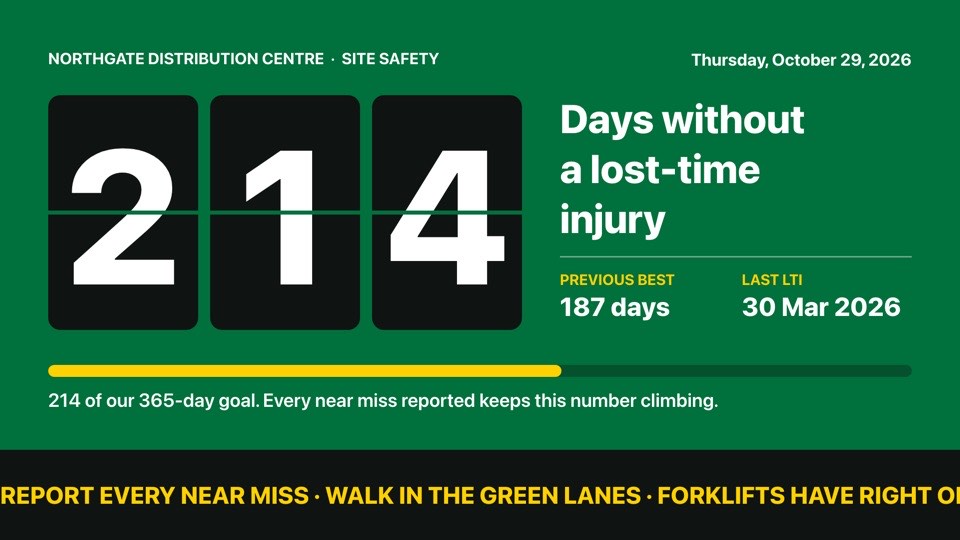 Days without a lost-time injuryFlip-board day count with record, goal and safety messagesFreeIndustriallandscape
Android TV signage by sector
- Burger barsMenu boards across two or three synced TVs above the counter.Burgers templates
- GymsClass timetables and member challenges on low-cost sticks.Fitness templates
- SupermarketsWeekly specials and butcher's prices by the department.Grocery templates
- Medical centresWaiting room welcomes and health campaigns.Doctors templates
- Sports clubsResults, fixtures and sponsor walls in the clubrooms.Sport templates
- WarehousesSafety messages and shift boards on the factory floor.Industrial templates
Android TV signage questions
Which Android devices can run POMP?
Android TV and Google TV devices running Android 7.0 or later with Google Play: TVs with Google TV built in, Chromecast with Google TV, Google TV Streamer, Nvidia Shield TV and certified Android TV boxes and sticks.
Does POMP work on Google TV and Chromecast?
Yes, on any Chromecast with Google TV or Google TV Streamer, because they run Google Play apps. The older Chromecast dongles without Google TV can't install apps, so they can't run POMP.
Does POMP work on Amazon Fire TV?
A native Fire TV app is coming soon to the Amazon Appstore. Until then, choose an Android TV or Google TV device, an Apple TV, or a computer running the web player.
Can I manage Android screens with an MDM or EMM?
Yes. POMP supports Android Enterprise managed configurations. Set POMPProvisionKey, and optionally POMPPlaylistId and POMPNickname, in your EMM and each device enrols itself. See pompsignage.com/mass-deployment.
Does it keep playing if the internet drops?
Yes. The Android app stores your images and videos on the device and keeps running the last playlist it received until the connection comes back.
Can I use an Android tablet as a sign?
Yes. Open the POMP web player in Chrome on the tablet and pair it, which suits counters, desks and room signs. Set the tablet's display to stay on while it is charging.
Is the Android TV app free?
Yes. The app is free on Google Play and the POMP Free plan runs one screen free forever, with no credit card. Paid plans add more screens and premium integrations.
Other ways to run POMP
- Apple TV digital signagetvOS app from the App Store
- iPad digital signageSame App Store app as Apple TV
- Web browser digital signageplayer.pompsignage.com, nothing to install
Coming soon: native apps for Samsung smart TVs (Tizen), LG smart TVs (webOS) and Amazon Fire TV.
Put your first screen live in minutes.
The Free plan is free forever. No card, no contract, no special hardware.