Free wedding seating plan template.
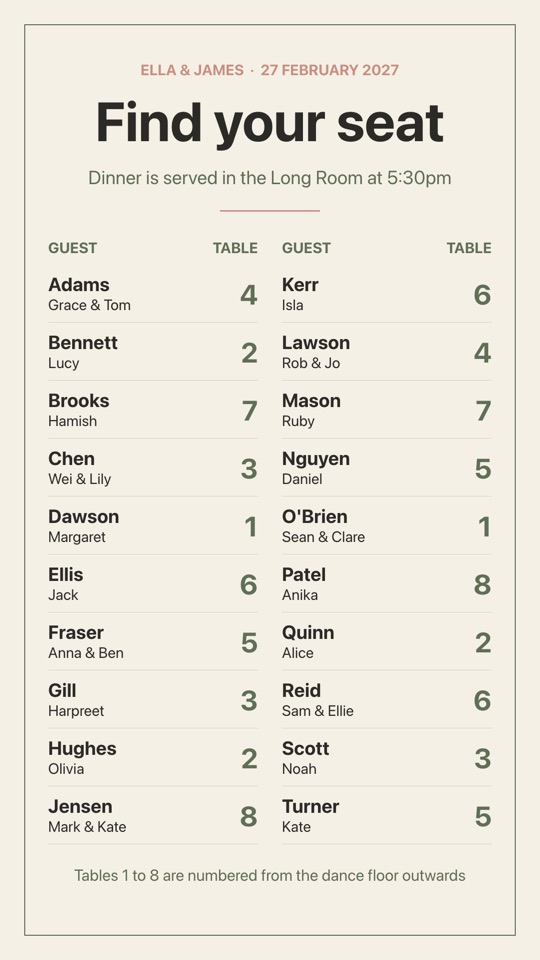
A digital seating chart for the reception entrance: guests listed alphabetically by surname with their table number beside each name, so nobody has to squint at a printed board. Paste in your guest list and table numbers; the sage and cream palette suits most styling.
Free to use. Opens in the screen designer so you can change anything.
- Free on every plan, including the Free plan
- No watermark
- No credit card needed
What's included
- Portrait, 1080 × 1920 (vertical TV or kiosk)
- Subtle entrance animations
- Every word, colour, photo and position can be edited
- Free to use on every POMP plan, with no watermark
Make it yours
- Replace the sample words, prices and times with your own.
- Swap the photos for your own, or generate new ones with POMP AI.
- Match your brand colours and add your logo.
- Add it to a playlist alongside your other screens and schedule when it shows.
What the screen says
The wedding seating plan template comes with sample wording for conference centres and event venues, so you only need to change the details. Out of the box it reads:
- ELLA & JAMES · 27 FEBRUARY 2027
- Find your seat
- Dinner is served in the Long Room at 5:30pm
- GUEST
- TABLE
- Adams
- Grace & Tom
- Bennett
- Lucy
- Brooks
- Hamish
- Chen
- Wei & Lily
- Dawson
Good for: wedding, seating plan, table numbers, reception, guests.
Show it on your TV
Put the wedding seating plan template on a TV with an Apple TV, an Android TV or Google TV box, an iPad or any web browser. Install the free POMP app, type the pairing code it shows into your dashboard, and add this design to the screen's playlist. It's a portrait design, so set the screen to portrait in the dashboard and mount the TV on its side.
Wedding seating plan template questions
Is the wedding seating plan template free?
Yes. The wedding seating plan template is free on every POMP plan, including the Free plan, with no watermark and no credit card needed. Create an account and it opens in the screen designer ready to edit.
Can I show the wedding seating plan template on an Apple TV?
Yes. Install POMP from the App Store on an Apple TV, pair it with the code it shows, and add this design to the screen's playlist. It also plays on Android TV and Google TV boxes, iPads and any web browser using the POMP web player. This template is portrait, so set the screen to portrait in the dashboard and mount the TV on its side.
What size is the wedding seating plan template?
It's a portrait design at 1080 × 1920 pixels, for a TV mounted on its side, a totem or a kiosk. Text is sized to read from a few metres away.
Can I change the wording, prices and photos?
Yes. Every word, price, time, colour and photo in the wedding seating plan template can be changed in the POMP designer. Swap in your own photos or your logo, and the screen updates as soon as you save.
What else is there for conference centres and event venues?
There are 20 free templates for conference centres and event venues, and more than 1010 across every sector. You can also describe a screen to POMP AI and get a design in seconds.
More events templates
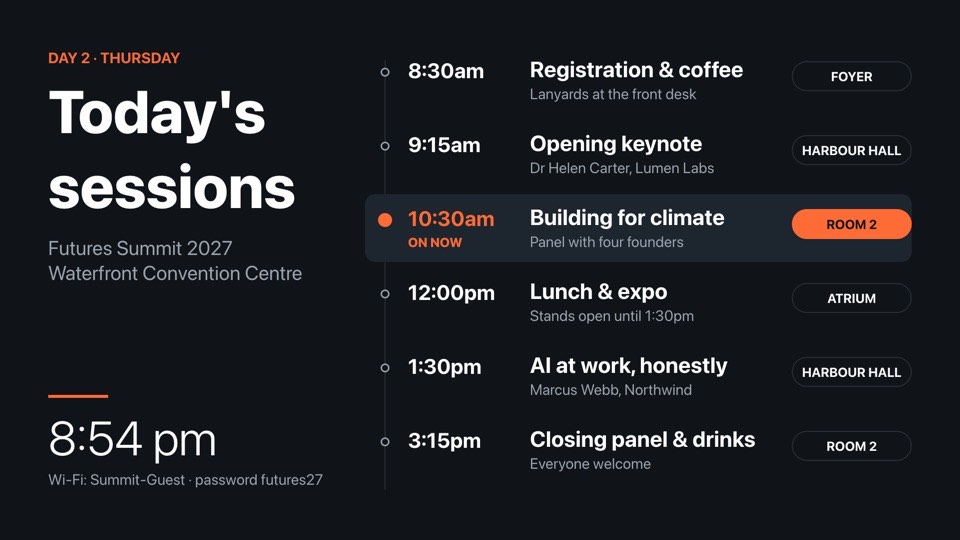
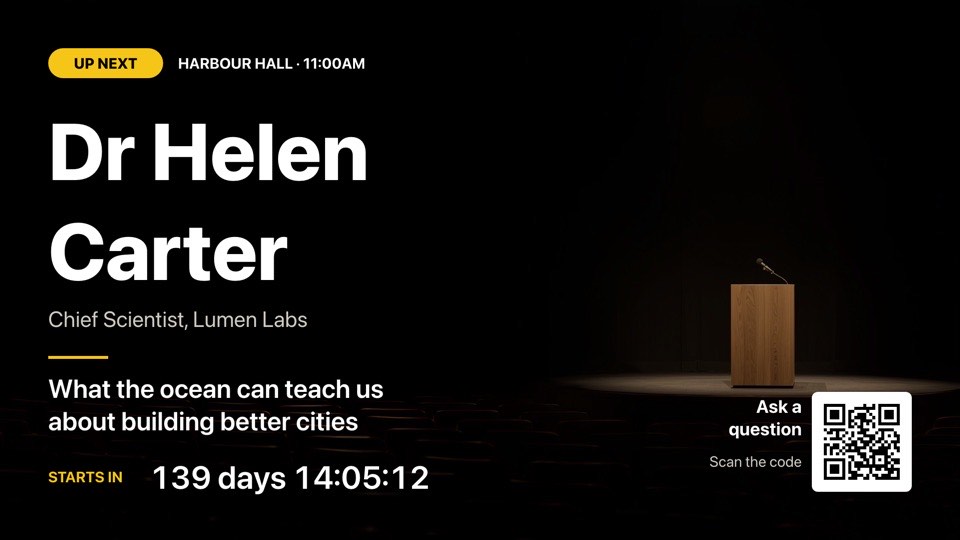
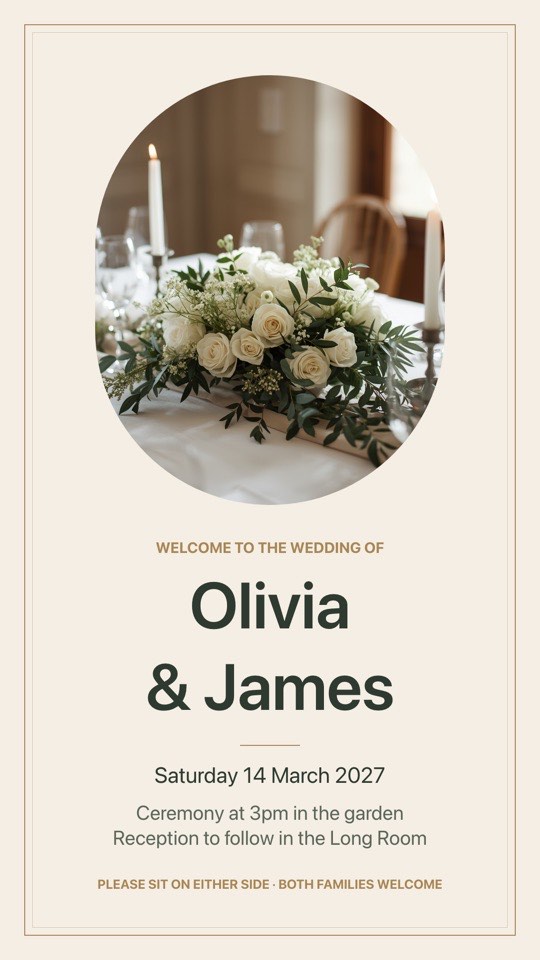
Use this template for free.
Create a free POMP account and the wedding seating plan template opens in the designer, ready for your words and photos. No watermark, no credit card.